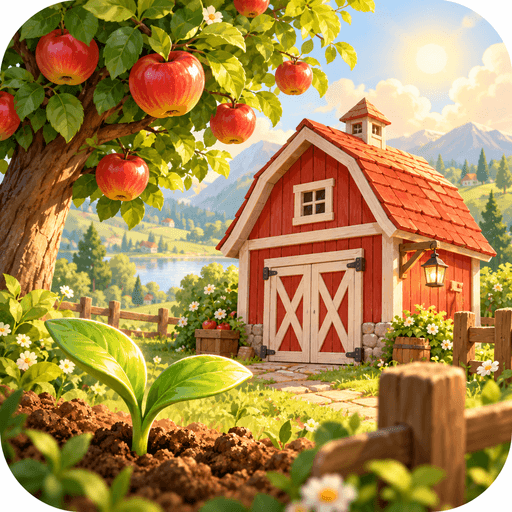
Game
A little farm. A growing adventure.
Meadow Markets
Early access
Browser build 74
Build your farm, grow crops, care for animals and explore a welcoming village. Start in your browser or take your farm with you on Android.
Modern browser on phone, tablet or computer, or the Android testing package. Internet access is needed for online features.
How to play
- Open Play in browser and follow the farm introduction.
- Tap or click a farm plot to plant, water and harvest crops.
- Care for your animals, sell produce and use your coins to grow the farm.
- Open the in-game help and journal for goals, controls and new activities.
Early access. Browser and Android releases update separately; the browser build shown here is not an Android package build number. For Android, open the downloaded APK and confirm installation if your device requests it.

App
Find a deal worth opening.
Bargain Barge
Android testing release
Version 0.4.4 · Build 19
Browse Australian and New Zealand retailer offers and community deals, compare listed prices and open retailer pages in this Android testing app.
Android 8.0 or newer. Internet connection for live feeds. Location permission is optional; you can choose a location manually.
How to get started
- Download the Android APK on your phone and open the downloaded file.
- If Android asks, approve installation from your downloading app, then install and open Bargain Barge.
- Select Australia or New Zealand and choose a location or enter a suburb.
- Search for an item, filter results and open an offer to refresh its source details. Confirm the final price, delivery and availability with the retailer.
Android app only; there is no browser version. Listed prices are not a guarantee of branch stock or final checkout totals. App updates require your Android installation confirmation.
Download verification
SHA-256 of the listed Android package
0563832B0A27A7DD3636653271EA1DDFD190437903570BBAC2E70D7176423C27